In the modern technological world, it has become possible to experiment with visual content, convert one image to another, swap faces, add colors, remove backgrounds, and create artworks.
After testing the tools, working on the platforms, and creating visual content, I separated 4 platforms, their functions, AI style features, and other elements.
What AI style transfer is
Style transfer tools combine one visual product with another in seconds. Be it an image or video, the platforms can convert media into artistic styles and add composition, templates, and other creative tools.
It is simple, easy to use, and practical for content creators, artists, designers, photographers, and users wanting to experiment with transferring visual content into another one.
Basic steps for creating AI style transfer tools are the following:
- Step 1: Write the text to create an image, video, or audio
- Step 2: Generate and make changes
- Step 3: Download the generated visual content
Best AI Style Transfer Tools
| Platforms | Category | AI Style Tools | Best for |
| Krea.ai | AI creative suite for AI style transfer exploration | Image-style references, style-based matching references, variations | Developments, content creation, photography marketing, art, management, design, e-commerce |
| OpenArt | Style exploration | AI generation tools and styles | Design, marketing, brands, sales, content creation |
| Magic Hour | Image and video transfer | Style transfer with images and videos | Media creation, education, development |
| Night Cafe | Artistic images, videos, and content | Image-based tools, artistic features, AI models | Sales, marketing, social media, design |
#1 Krea.ai
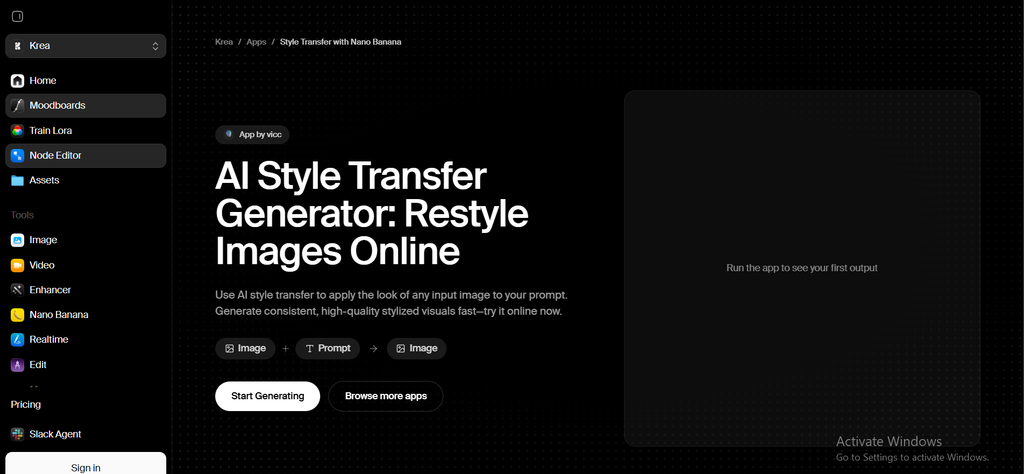
Krea.ai is one of the most powerful platforms with a modern AI suite. It allows you to create an AI style transfer generator based on prompts, images, and visual media.
Why I Strongly Recommend It
I have been using Krea.ai for years. I started working on creating AI-generated images, videos, and AI 3D formats. On the platform, it is quite easy and fast to find image-style references, style matching based on references, and variations.
What stands out for me isn’t just the diverse functions and features, but also the wide range of AI style transfer tools, including artistic and natural-looking characters, illustrations, locations, cartoons, outfits and hairstyle previews, face swapping, and much more.
You can easily input an image or references and transfer colors, textures, composition, styles, and more visual elements, including up to 8K upscaling, background removal, sizes, ratios, and clarity improvement. My advice is to keep experimenting with different AI models, as the platform offers Nano Banana, Krea 2, Seedance, Kling, Hailuo, GPT-IMG, and other creative tools.
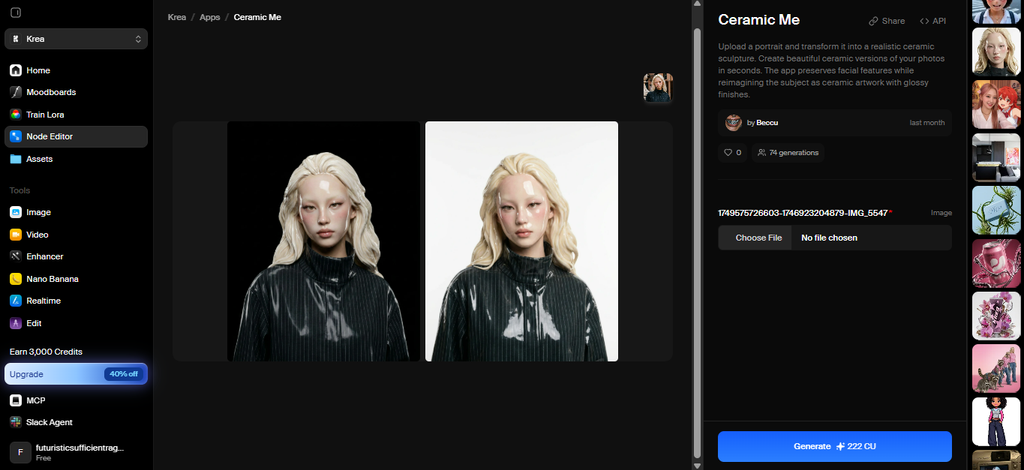
For instance, I could upload an image and turn it into a realistic, outstanding visual that differs from the original one or the ones created on other platforms. I could have total control over the images and videos, adjust styles, and try variations and edits.
Best for: Artists, social media creators, managers, interior designers, e-commerce sellers, developers, photographers, and other creators interested in AI-powered content creation.
#2 OpenArt
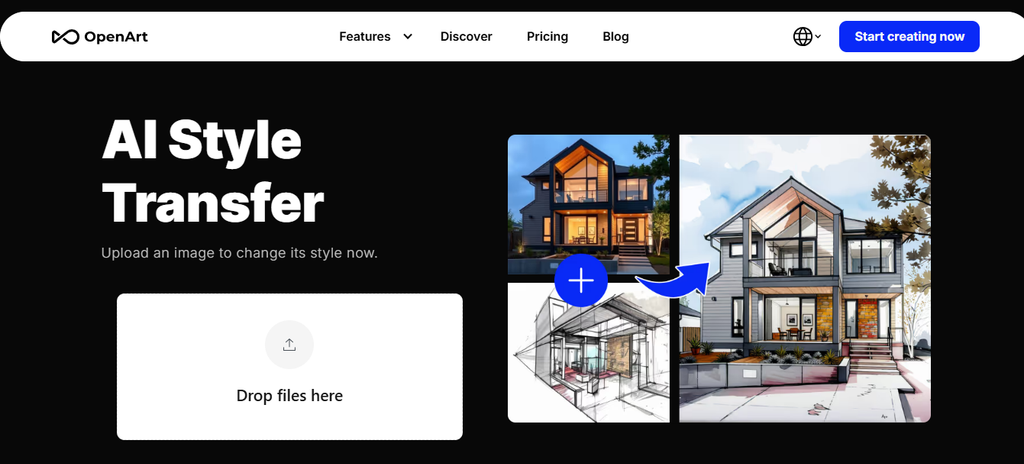
OpenArt offers visual styles and designs for creating AI images, videos, text-driven content, audio effects, and more.
Why I like it
Another platform with AI style transfer tools is OpenArt. The main features that can be helpful for users are generating images, videos, and styles in one platform. It is possible to create anime characters, illustrations, cinematic or realistic content, locations, characters, and AI-powered influencers.
The platform gives options to transfer characters, blend styles, colors, textures, and layouts at the same time, while maintaining the original version or other details. Just generate, preview, and make edits and adjustments to the visual content. Create with AI tools, including Seedance, Pixverse, and Kling.
Best for: Marketers, developers, artists, creators, sellers, designers, educators, students, agencies, photographers.
#3 Magic Hour
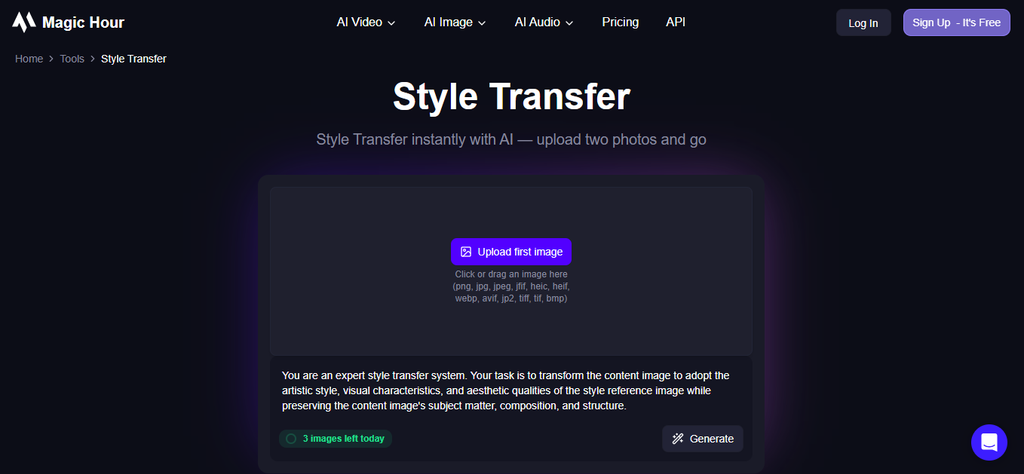
Magic Hour is a digital platform with 100+ AI tools for generating image-to-video, text-to-video, and other visual representations.
Why I like it
This is where I could find illustrations and artworks to transfer into other visuals, and experiment with color grading, textures, and design templates. What’s more, Magic Hours suggests upscaling, editing, background removal, face swaps, and more.
Moreover, Nano Banana, Qwen Edit, Flux 2 Klein, Seedream, and other AI models are available on the platform.
Best for: Marketers, developers, artists, creators, sellers, designers, educators, students, agencies, photographers.
#4 NightCafe
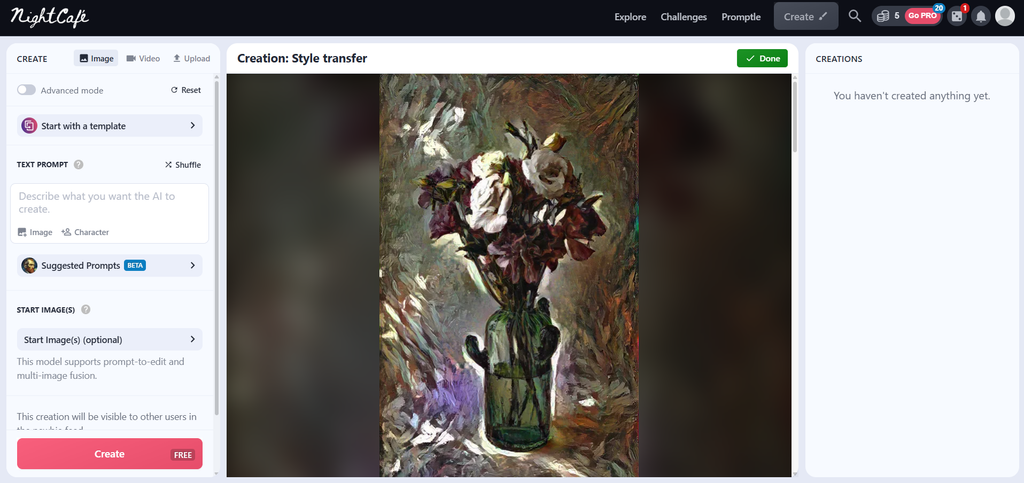
The last platform I suggest is NightCafe, an online platform for AI-powered images, videos, and text, with design and style features.
Why I like it
I tested the platform and confirmed that it is useful for its features and AI tools. Beyond generating images and visual content, you can choose templates, artistic styles, illustrations, characters, portraits, landscapes, locations, and other artistic concepts.
Also, the platform allows you to inpaint, remove the background, enhance the quality, experiment with colors, and upscale images and videos. AI-powered models, such as Seedream, Nano Banana, Ideogram, Flux, GPT Image, and other tools, are here for generating content.
Suitable for: Social media content creators, brand agencies, video production, marketing specialists, and sellers.
To Wrap It Up
If you are looking for the most creative tools for converting images and videos into other visual media, trying new styles and designs, and swapping characters from one realistic world to another animated one, then you should definitely try one of the platforms mentioned above.
Depending on your preferences, you can make the best choice by trying to explore, comparing the tools, and starting to create custom-trained, creative solutions for your artworks or visual content.